Find answers, report issues, or reach out to our team directly.
Frequently Asked Questions
On the bottom of the main app screen are 3 icons. Clicking the left-most icon creates a new Reminder. Clicking the middle icon creates a new Alarm. Clicking the right-most icon creates a new Timer.
Yes. There is an on/off toggle switch on the Reminder, Timer, or Alarm card on the main app page. When you create new, the default position is on. Clicking to the off position will put it in a "not active" state. You can re-activate by toggling back on.
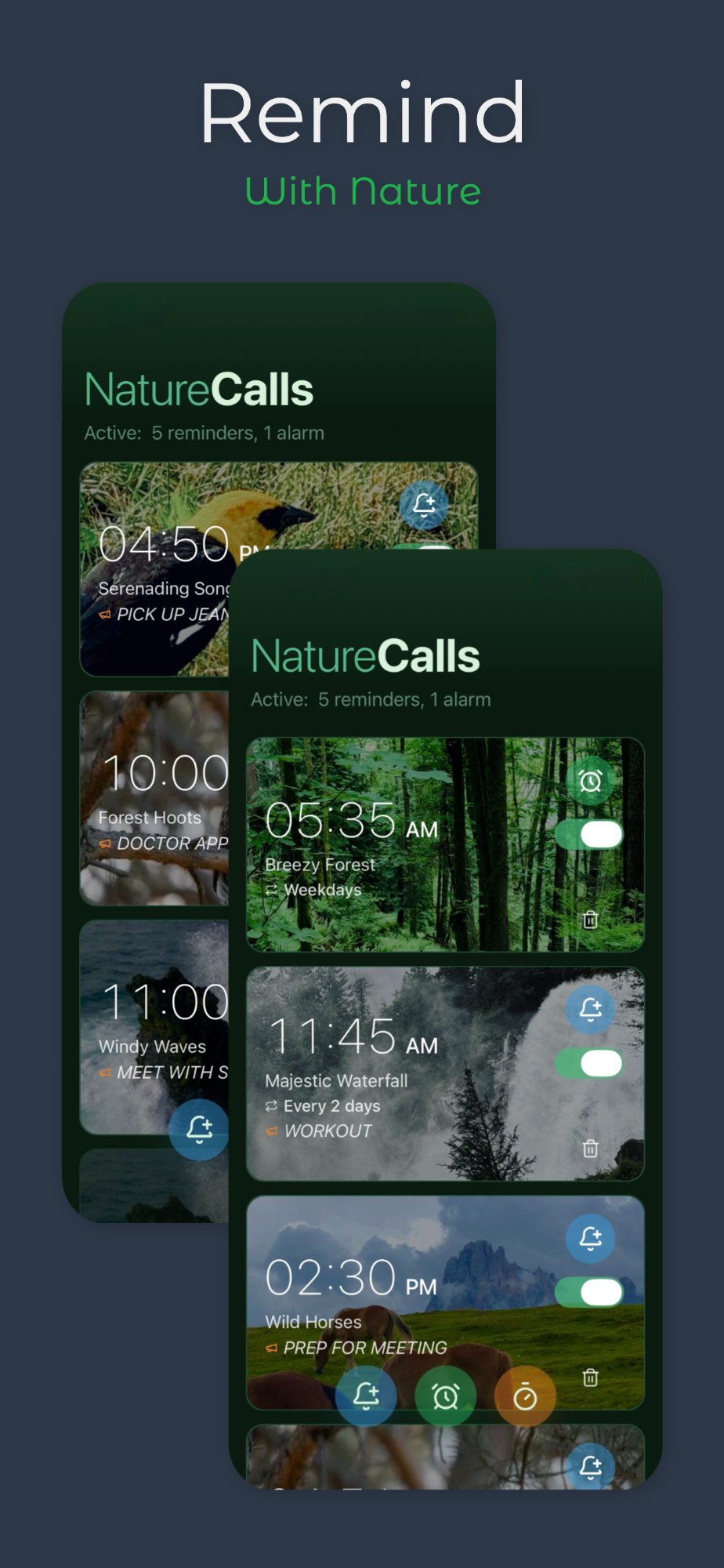
A rectangular "card" will be displayed on the main app screen for any Reminder, Timer, or Alarm you create. Each card will display an icon corresponding to one of the 3 button icons at the bottom of the main app page.
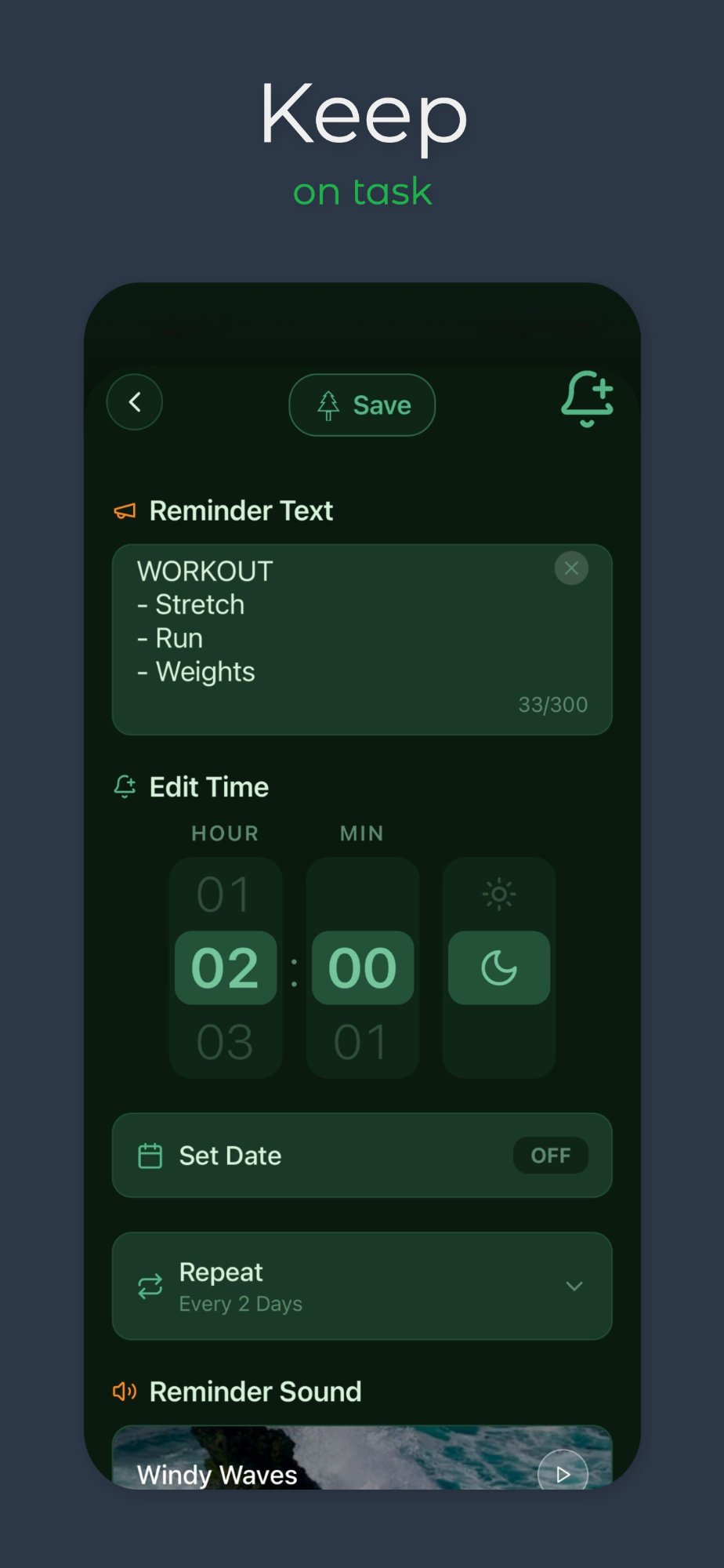
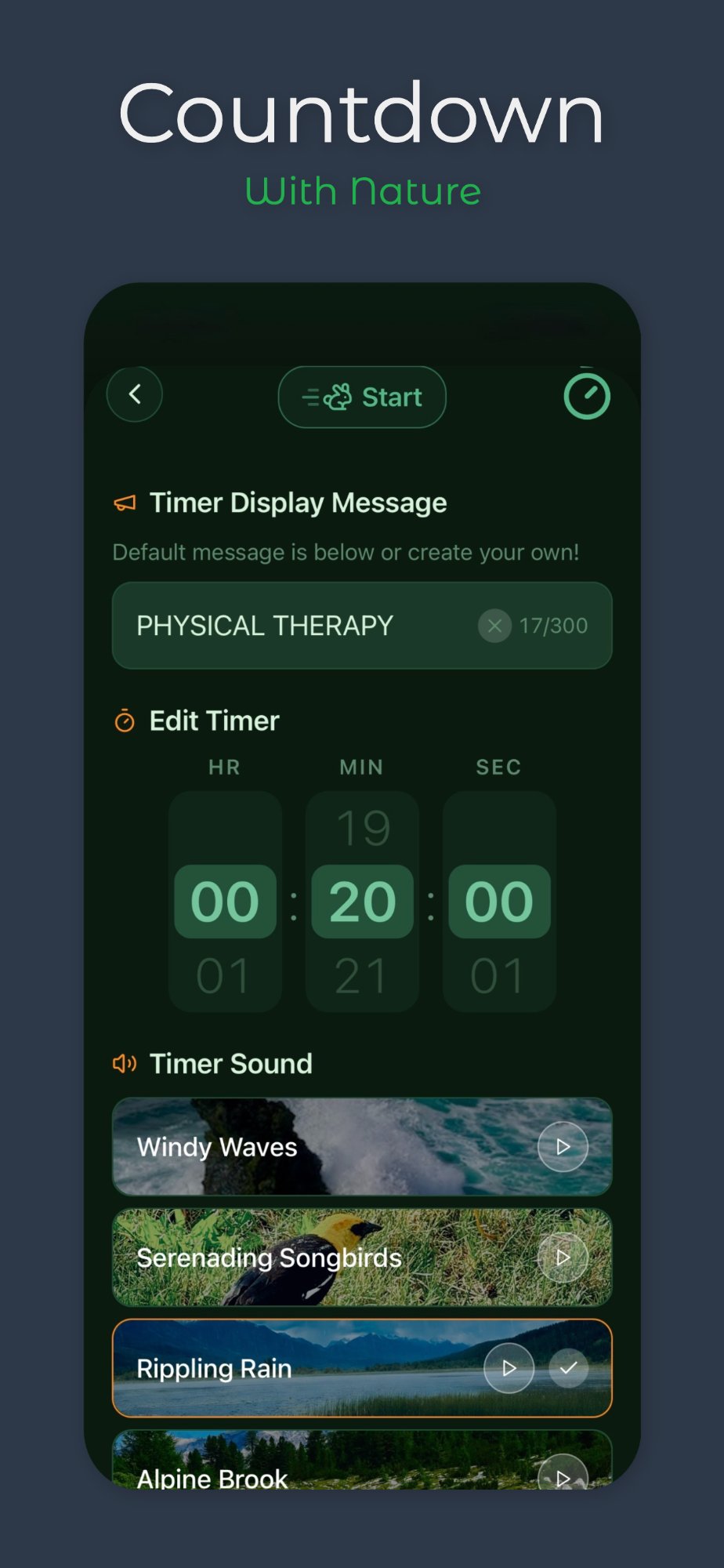
You can add up to 300 characters for reminder text. The first line is displayed in capital letters on the card. When triggered, the full text will be displayed in the case you entered.
NatureCalls will send message notifications, but sound will not be audible when mute is on — iOS controls mute as a system-wide function. If Focus / Do Not Disturb is used, go to Settings → Focus → Do Not Disturb → Apps → Allow Notifications From → add NatureCalls.
Yes — the app notifications run in the background so you will get a notification message and sound (if not in silent/mute mode) for whichever sound you have chosen.
Yes, repeating notifications are available for Reminders and Alarms. You can choose from preset weekday, daily, weekly, and monthly intervals, or custom intervals down to the minute.
Yes — there is an "expansion" icon on the right side of the timer card. Clicking it expands the timer to full screen. Clicking "X" in the upper right-hand corner collapses it.
Once you have downloaded and installed the app on your phone, it can be used even if there is no internet connection.
Still need help?
Our support team typically responds within a few hours. Reach out any time.
Have a question or feedback? Fill out the form below and we'll get back to you as soon as possible.
Privacy Policy
Effective Date: April 2026
Overview
NatureCalls ("we," "our," or "us") is committed to protecting your privacy. This Privacy Policy explains what information we collect, how we use it, and your rights regarding that information. We believe in keeping things simple: we collect as little data as possible and never sell or share your personal information with third parties for marketing purposes.
Information We Collect
We only collect personal information in the following limited circumstance: when you voluntarily contact us through our Contact Us form or reach out to us directly for support. In that case, we collect your name and email address solely for the purpose of responding to your inquiry.
We do not collect any other personal information. We do not track your usage of the app, collect device identifiers, use analytics services, or store any data about how you use NatureCalls on your device.
How We Use Your Information
The name and email address you provide when contacting us are used only to respond to your support request or inquiry. We do not use this information for marketing, advertising, or any other purpose. We do not add you to any mailing lists without your explicit consent.
Data Storage
Contact form submissions are processed through Formspree, a third-party form service. Your name and email are transmitted securely to us via email. We do not maintain a database of user contact information beyond our standard email inbox.
Information We Do Not Collect
NatureCalls does not collect, store, or transmit any of the following: location data, device information, usage statistics, reminders or alarm content you create in the app, browsing history, or any other personal or behavioral data. All reminders, alarms, and timers you create are stored locally on your device only.
Third-Party Services
The NatureCalls app does not integrate with any third-party advertising networks or analytics platforms. This website uses GitHub Pages for hosting and Formspree for contact form processing. Please refer to their respective privacy policies for information on how they handle data.
Children's Privacy
NatureCalls does not knowingly collect personal information from children under the age of 13. If you believe a child has submitted personal information to us, please contact us and we will promptly delete it.
Changes to This Policy
We may update this Privacy Policy from time to time. Any changes will be posted on this page with an updated effective date. We encourage you to review this policy periodically.
Contact Us
If you have any questions about this Privacy Policy or how we handle your information, please reach out through our Contact Us page.